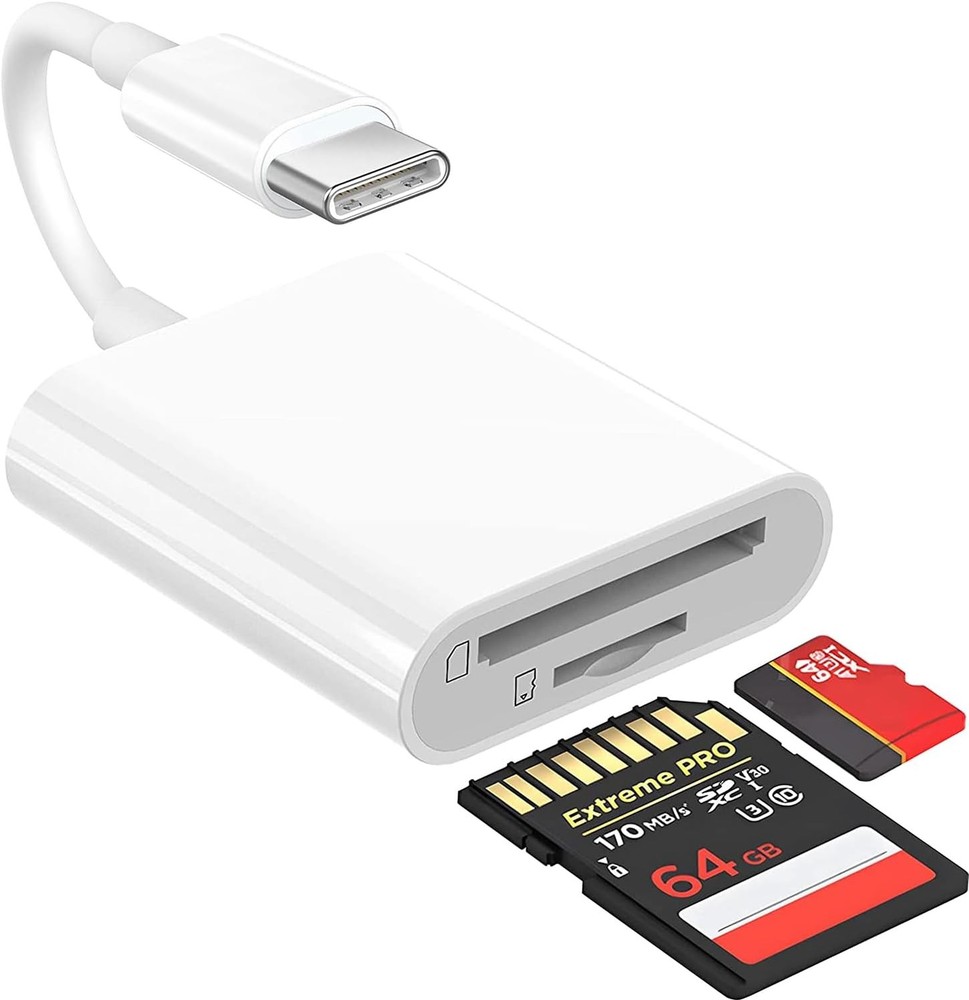
![[Apple MFi Certified] SD Card Reader for iPhone/iPad,Lightning to SD Card Camera](/image/vxIAAOSwPDZmsQ9m/apple-mfi-certified-sd-card-reader-for-iphone-ipad-lightning-to-sd-card-camera.jpg)
| Return shipping will be paid by | Buyer |
|---|---|
| All returns accepted | Returns Accepted |
| Item must be returned within | 30 Days |
| Refund will be given as | Money Back |
| Color | White |
| Item Dimensions LxWxH | 3.94 x 1.57 x 0.59 inches |
| Product Dimensions | 3.94 x 1.57 x 0.59 inches |
| Brand | Branded |
| Memory Card(s) Supported | Does not apply |
| Type | Does not apply |
| Hardware Platform | iOS |
| Operating System | iOS |
| Media Type | microSD |
| Country of Origin | China |
| Item Weight | 0.317 ounces |
| Connectivity Technology | Lightning Adapter |
| Special Feature | Plug & Play |
Check the listing for details. [Apple MFi Certified] SD Card Reader for iPhone/iPad,Lightning to SD Card Camera. Color: White, Condition: New, Made in China. Listed at 10.00 USD. Lightning to SD Card Camera Adapter, Apple MFi Certified Memory Card Reader Trail Camera Viewer Converter for iPhone 14 13 12 11 Pro Max XS XR X 8 iPad, Plug and PlayAbout this itemAn ideal solution for copying photos or videos from the camera to your Apple Devices in a short period. With this SD Card to iPhone adapter, you can transfer photos and videos from your camera to your iPhone or iPad, share the wonderful moments with your family or friend.The SD Card Camera Converter supports standard photo formats like JPEG and RAW, along with SD and HD video formats including H.264 and MPEG-4; compatible with iphone 14/14 Plus/14 Pro/14 Pro Max/13/13 Mini/13 Pro/13 Pro Max/12/12Mini/12Pro/12 Pro Max/11/11 Pro/11 Pro Max/Xs/Xs Max/X/8/8 Plus/7/7Plus/6/6 Plus/5/5S/SE and Air /Mini /Pro.Plug and play, No App needed and no need to take out the camera's memory card. With the SD Card Adapter, connect the camera to transfer speed from 20MB/S~30MB/S, Supports the memory card with a maximum capacity of 512GB.Lightning to memory card Dongle supports standard photo formats (including JEPG and RAW) and SD and HD video formats (including H.264 and MEPG-4). supports sd cards from Digital Camera, Sports Camera, Drone, Trail game Camera etc.How to connect: Connect the SD Card Connector Cord to iPhone/iPad, open the Photos app, which let you choose photos and videos to import, then organizes them into albums. Tips: If there is no any dispaly when your plug SD Card Camera Adapter. Just find "Files" on the desktop and click "Browse" then you can see the SD Card on your iPhone.
You may also like




![SUNGUY USB C to C Cable 6FT [2Pack], 60W Right Angle 90 Degree 6FT, Black](/image/oPsAAeSw451onsu9/sunguy-usb-c-to-c-cable-6ft-2pack-60w-right-angle-90-degree-6ft-black.jpg)


