| All returns accepted | ReturnsNotAccepted |
|---|---|
| Compatible Brand | Universal |
| System Configuration | sound bar |
| Color | Black |
| Material | ABS |
| Year Manufactured | 2022 |
| Surround Sound Formats | Wireless USB AUX Wired HiFi Stereo |
| Smart Home Compatibility | TOUCH CONTROL |
| Brand | BOBTOT |
| Type | Soundbar |
| Unit Type | oz |
| Audio Inputs | USB |
| Model | TOUCH CONTROL |
| Connectivity | Bluetooth |
| Features | Bluetooth |
| RMS Power | 3W |
| Unit Quantity | 15 |
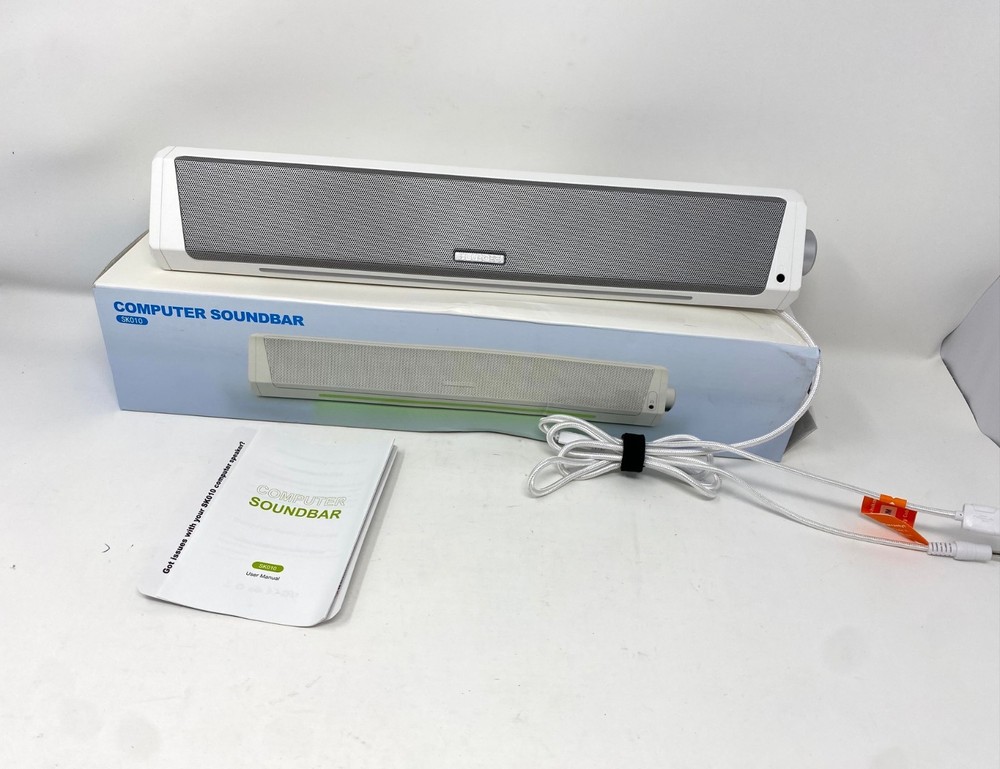
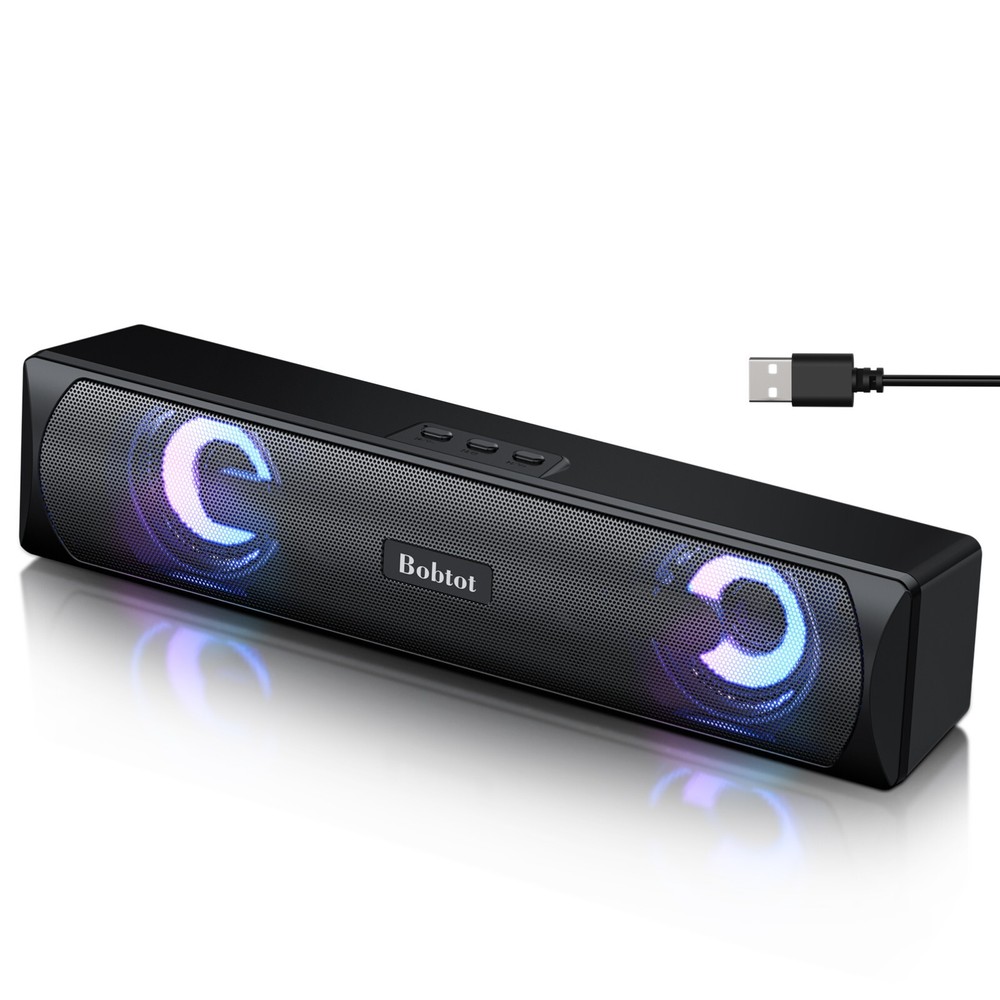
Check the listing for details. Computer Speaker Bluetooth Game Sound Bar Audio Wireless USB Wired HiFi Stereo. Color: Black, Condition: Open box. Listed at 15.90 USD. BOBTOT Provides Assistance on All Our Computer Speakers Audio ProductsBobtot is committed to providing the best purchasing experience to our valued customers. Your satisfaction is our greatest pursuit!When you encounter problems with the use of the A8 Computer Speakers, please check the User Manual. We also strongly advise you to send a message to us via the Buyer to Seller message for further assistance. We are always here to service you!Bluetooth 5.0 Computer Speakers used for PC, Laptop, Desktop, Tablet, Smart Phone when enjoy music and moviesHow to Enter Bluetooth Mode?When the computer speaker works as an output device for the computer or laptop, quickly double-click the middle button on the top, and you will hear "du du du", it means you go to the Bluetooth mode, then you could search "A8" in your Bluetooth List and connect it. (When directly plugging in the USB charger or power bank, only Bluetooth Mode)Can the RGB Lights be Turned Off?Yes, the lights can be turned off. Short press the middle button on the top can change the light mode. ( Light Switch between Quick flash-Slow flash-Breath flash-TURN OFF)RGB Light Can be Turned Off or ChangedUSB Powered Computer Speakers Bluetooth Sound BarLong Using TimeComputer speakers digital power amplifier, low energy consumption, high efficiency & energy saving. High-excursion drivers for full-range audio.Volume Control & Songs SwitchingThe computer sound bar has a Mode/Power button and Volume/Switch song buttons on the top, which operate simply with one finger.Relax DesktopSlim but modern design without cluttered cables, makes arrange and organize easily on the desktop, freeing up desk space.Notes: If the sound is not loud, please check the volume setting on your computer which can be adjusted by the speaker icon on the lower right corner of the taskbar.(If meet any problems when use, please see the User Manual or Troubleshooting Guide)
You may also like