| Return shipping will be paid by | Buyer |
|---|---|
| All returns accepted | Returns Accepted |
| Item must be returned within | 30 Days |
| Refund will be given as | Money Back |
| Brand | Pop!_OS |
| Type | Operating System |
| Format | Flash Drive |
| Minimum Hard Drive Space | 16 GB |
| Language | English |
| License Category | Standard |
| Minimum RAM | 4 GB |
| Model | Pop!_OS |
| For Operating Systems | Linux |
| Number of Devices | Unlimited |
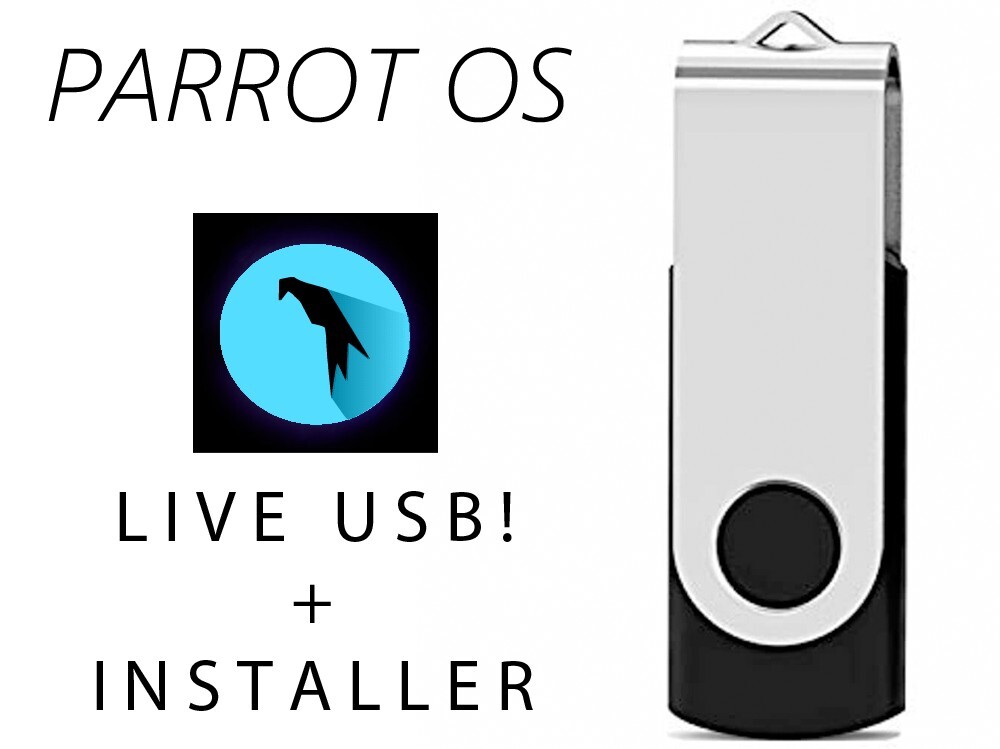
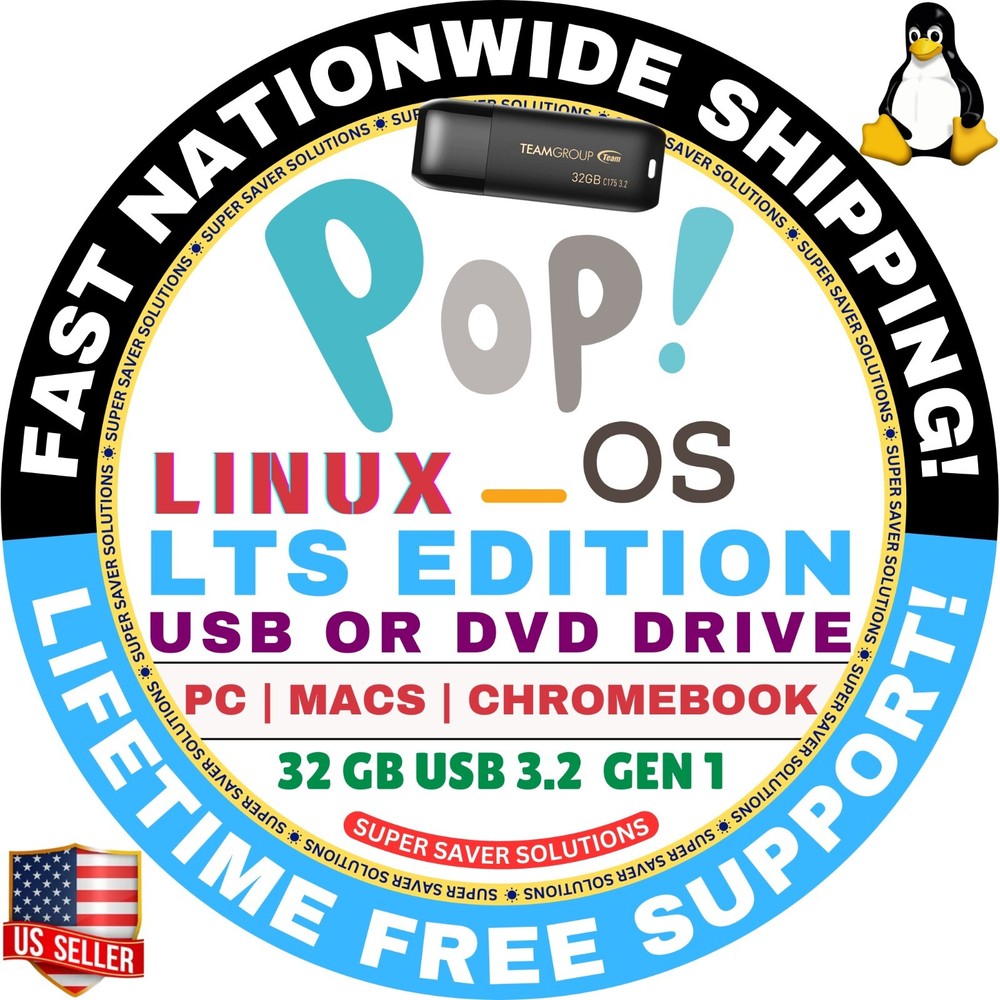
Check the listing for details. POP!_OS Linux 22.04 LTS & LTS (NVIDIA) / DVD or BOOTABLE USB Flash Drive Pop OS. Condition: Brand New. Listed at 8.99 USD. Pop!_OS Live USB Bootable Drive | POP OS Empower Your Creativity and Discovery Pop!_OS is the perfect operating system for STEM and creative professionals who use their computers to innovate, discover, and create. Based on Ubuntu, it’s a secure, reliable open-source platform that unleashes your potential with powerful tools for every project. Features:64GB USB Drive: Fast, spacious, and ready for action.Optimized for STEM and creative professionals: Ideal for research, development, and creative tasks.Open-source & secure: Access a vast range of software and development tools.No installation required: Boot and run directly from the USB without affecting your hard drive.Not compatible with Mac or Apple devices.Fresh every time: Non-persistent, resets after each use. ✅ NEED IT FAST? SELECT FASTER SHIPPING (3-6 BUSINESS DAYS) OPTIONS WITH TRACKING AT THE CHECKOUT. ‼️ Free Shipping takes up to 7-10 business days to deliver & comes with no tracking. This is how I pass on these unbelievable discounts to you for my time & service. ☑️ HOW TO BOOT LINUX OS FROM USB OR DVD? ✅ STEPS FOR WINDOWS PC & CHROMEBOOKS1. Turn-off your computer2. Insert the USB/DVD into any available USB port/DVD drive.3. Switch on your computer4. Press the key that allows your computer to boot to an alternate device (ESC on many HPs, F12 on many Dells, F8 on many custom builds, yours may vary, see your computer's documentation)5. At the Book-up screen, select Boot from USB Interface or Boot from DVD option, press enter.6. Wait for OS to load, then follow on-screen links for initiate OS.7. Wait for system to boot into Linux OS. Done! Enjoy! ✅ STEP FOR APPLE MACS DEVICES1. Turn-off your computer2. Insert the USB into any available USB port3. Switch on your computer4. Press the Option key on your keyboard to go the boot menu5. Select EFI Book6. Follow on-screen links for initiate OS.7. Wait for system to boot into Linux OS. Done! Enjoy!
You may also like