| Restocking Fee | No |
|---|---|
| Return shipping will be paid by | Seller |
| All returns accepted | Returns Accepted |
| Item must be returned within | 30 Days |
| Refund will be given as | Money Back |
| Custom Bundle | Does not apply |
| California Prop 65 Warning | Does not apply |
| Type | Does not apply |
| Compatible Model | Does not apply |
| Compatible Product | Does not apply |
| Color | 8M Button Control w/ Battery |
| MPN | NA |
| Brand | Icstation |
| Country/Region of Manufacture | Does not apply |
| Features | Does not apply |
| Handmade | Does not apply |
| Size | Does not apply |
| Model | GY17843*1 |
| Modified Item | Does not apply |
| Modification Description | Does not apply |
| Manufacturer | ICStation |
| Compatible Generation | Does not apply |
| PartNumber | GY17843*1 |
| Format | WAV |
| PackageHeight | 8 |
| PackageLength | 184 |
| PackageWidth | 135 |
| PackageWeight | 23 |
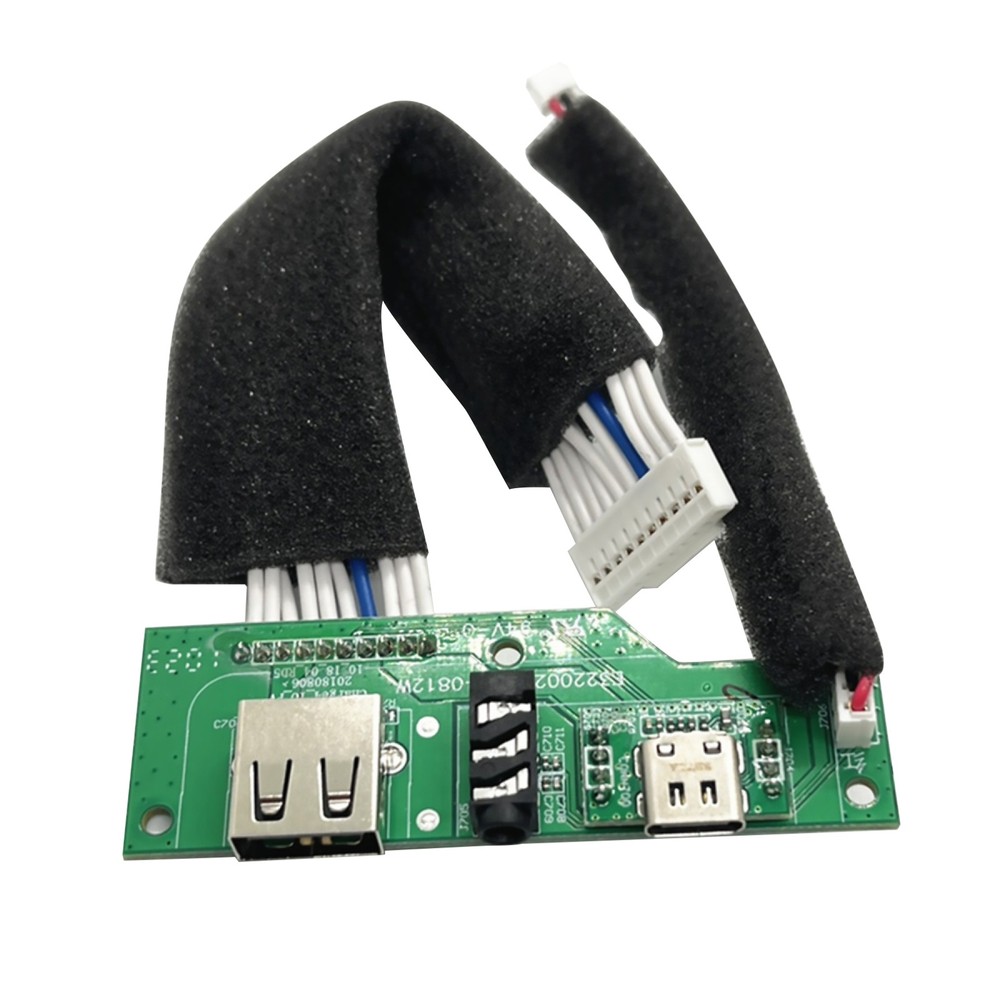
Check the listing for details. Icstation Recordable Sound Module Push Button 8M Music Greeting Card E38. Color: 8M Button Control w/ Battery, Condition: New. Listed at 22.05 USD. Package Includes 1 Piece - sound recording board How to use?1.Turn on the switch 2..Press the button to play the default music 3.Press again to stop playing 4.Connect the module with a USB DATA cable to a Windows computer, then the computer will recognize it as a USB drive with about 8M limit. 5.Delete the default music in it and then replace it with your favorite mp3 music. 6.Plug off the USB cable and adjust the volume.. Note:1.It will not play any music when it is connecting with the computer. Please pulg off the USB cable before you need it to play. 2.Make sure the switch is at ON position. 3.Convert the audio file to MP3 format. Adjust the volume. 4.Please use Windows computer.
You may also like