| Return shipping will be paid by | Buyer |
|---|---|
| Returns Accepted | Returns Accepted |
| Item must be returned within | 30 Days |
| Compatible With | Laptop |
| USB Specification | USB 3.0 |
| Custom Bundle | No |
| MPN | SDCZ60-016G-Q46T |
| Item Length | 3 |
| Colour | Black |
| Writable Format | Fat32 |
| Brand | SanDisk |
| Type | External Drive |
| Read Speed | 100mb/s |
| Manufacturer Warranty | None |
| Item Height | 1 |
| Model | San Disk |
| Transfer Rate | 125 Mbps |
| Storage Format | Fat32 |
| Features | USB-Powered |
| Storage Capacity | 32 GB |
| Write Speed | 100mb/s |
| Country/Region of Manufacture | Australia |
| Interface | USB |
| Item Width | 1 |
| Product Line | Linux |
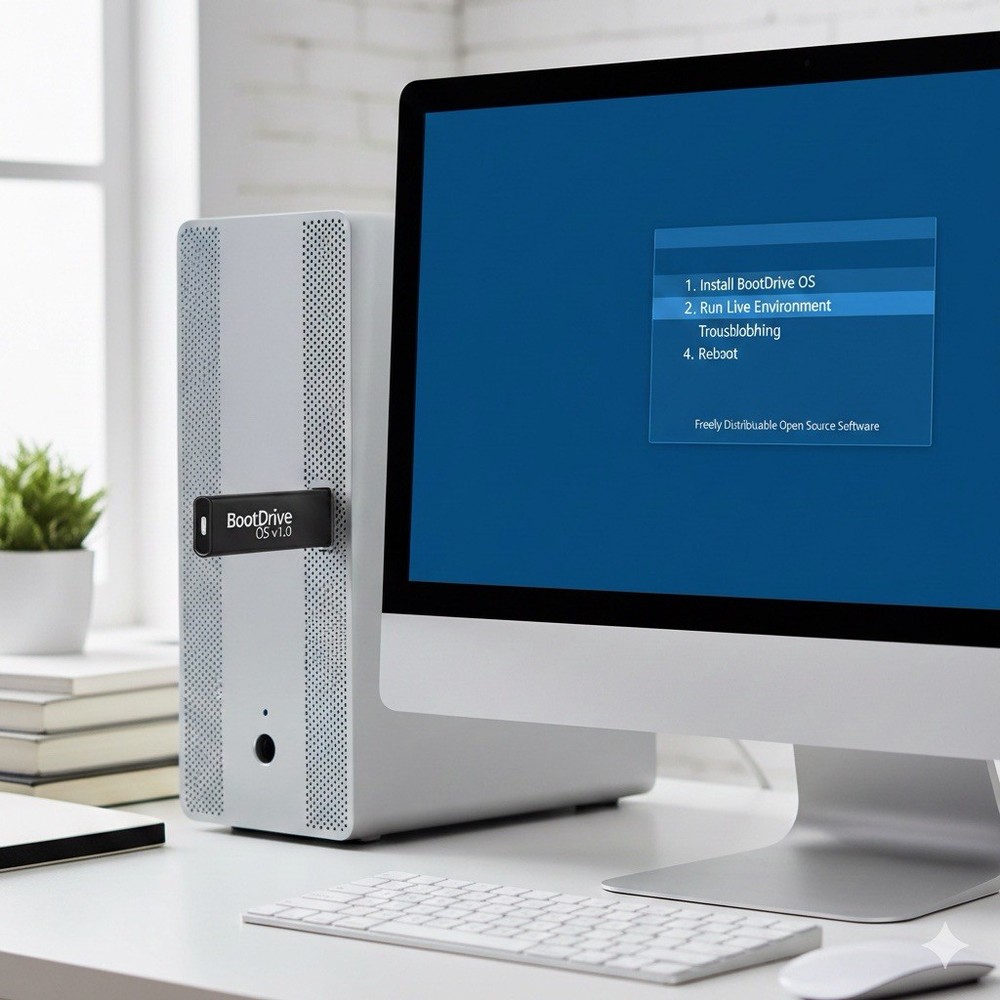
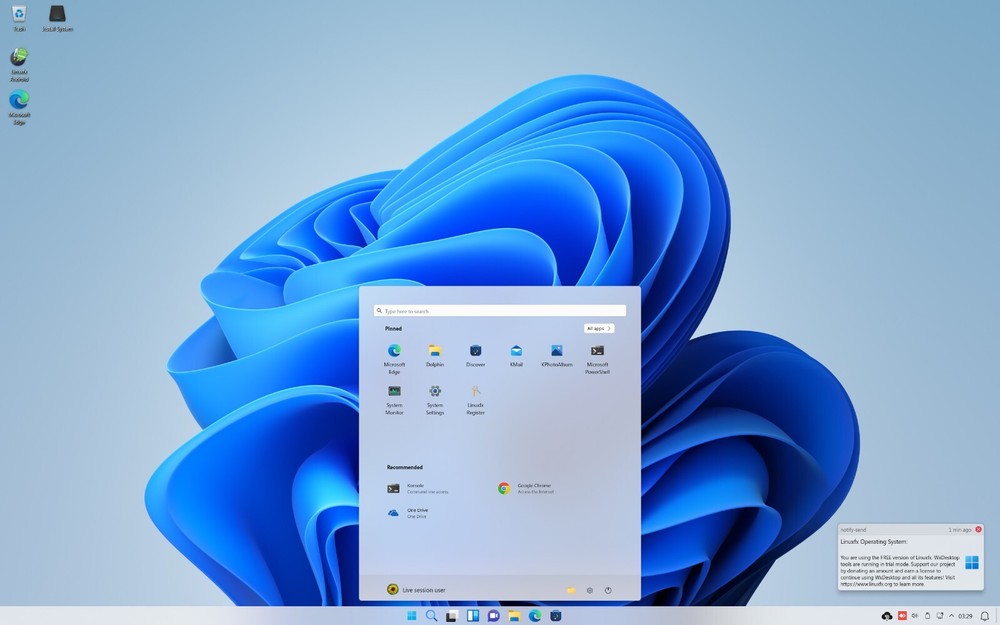
Check the listing for details. Linux FX 11 - 16 GB BOOTABLE USB - (Great for Students to learn). Condition: Brand New. Listed at 10.07 USD. LinuxFX is a Brazilian Linux distribution based on Ubuntu. Fast, stable and very safe. With a look and feel that emulates Windows LinuxFX 11 is a Linux distribution that aims to provide a familiar and user-friendly computing experience by emulating the look and feel of Windows. It is based on Ubuntu and utilizes the Cinnamon desktop environment. Here are some key features and potential use cases of LinuxFX 11: Windows-Like Interface: LinuxFX 11 is designed to resemble the familiar interface of Windows, making it a suitable choice for users transitioning from Windows to Linux. The Start menu, taskbar, and system tray are reminiscent of Windows, providing a sense of familiarity and easing the transition for new users. Productivity and Office Suite: LinuxFX 11 includes a range of productivity tools and applications, such as office suites, document editors, spreadsheets, and presentation software. These applications enable users to perform common productivity tasks and work with various file formats. Multimedia and Entertainment: LinuxFX 11 supports multimedia playback, allowing users to enjoy music, videos, and other media. It includes media players, codecs, and software for managing and organizing media files. Software Compatibility: LinuxFX 11 is compatible with a wide range of software applications available for Linux. Users can access and install software from the Ubuntu repositories or use other package management tools to expand the software options available to them. Stability and Security: LinuxFX 11 inherits the stability and security of Ubuntu as its base. It receives regular updates and security patches, ensuring a reliable and secure computing environment for users. Customization Options: While LinuxFX 11 aims to emulate the Windows interface, it still offers customization options. Users can personalize their desktop environment by changing themes, icons, and other visual elements. Education and Learning: LinuxFX 11 can be used in educational environments, providing students and teachers with a user-friendly and stable operating system. It offers educational software and resources suitable for various educational levels and subjects. Windows Application Compatibility: LinuxFX 11 includes Wine, a compatibility layer that allows some Windows applications to run on Linux. This can be useful for users who rely on specific Windows applications that are not available natively on Linux. LinuxFX 11 is well-suited for users who are familiar with the Windows interface and prefer a Linux distribution that closely resembles it. It offers a user-friendly environment for productivity, multimedia, and general computing tasks. It can be particularly useful for users transitioning from Windows or for those who prefer a Windows-like experience on a Linux platform. This offer is available only here on EBAY. DATA RECOVERY. Is your hard drive failing or can't get into windows to get your FILES off the hard drive, well this is your answer because the USB allows you access to struggling hard drives and so can recover data off a worn hard drives. ~ It is important to know what button to press when you boot up the USB, if you tell me what brand your computer is I can help tell you what to press as soon as you turn on the computer. ~ WHEN INSTALLING A NEW SYSTEM ONTO THE COMPUTER IT WILL ERASE EVERYTHING ON THERE, PLEASE REMEMBER TO HAVE EVERYTHING BACKED UP ON ANOTHER DEVICE BEFORE YOU DECIDE TO INSTALLLINUX Linux is programmed by expert programmers so it runs in a far more efficient way than windows. NO VIRUSES. Unlike Microsoft windows . Linux isn't targeted by hackers since the user base is only in around 1.5% of the worlds computer systems . You are more likely to get struck by an asteroid than get a virus in LINUX .just keep doing updates SAFE FROM SPYWARE. All software within LINUX comes from only trusted software depositories ENCRYPTION BY DEFAULT. LINUX comes with Encryption enabled by default UPDATES CONTROLLED BY YOU. Linux never updates any part of your computer at any time without permission and will not shut your computer down unexpectedly during updates, nor will it stop you from turning your computer off by updating as you shut the computer down during important gaming or working time. ALL THE PROGRAMS IN LINUX ARE FREEWARE OPEN SOURCE. When you Install it you own it. With windows . They own the operating system and it is leased to you. Microsoft are allowed to enter your computer any time without invitation. In Linux this will not happen because the back doors are not there as they are in windows. ENJOY THE FREEDOM. Linux Is the most customisable operating system available. You can make it look virtually however you like but the default settings really are spectacular and a joy to work on for gaming or creating. . APPS SUCH AS - - KDEN LIVE , for video editing - VLC for video watching - AUDACITY for audio editing - FIREFOX or CHROMIUM for Internet browsing. All available from LINUX Depositories within the operating systems. I love using Linux and I really want to make it easier for people to use. That's why I started doing this, I hope you enjoy using Linux as much as I do and that my experience with it can help others to get more out of it. ~ You can install the software on as many machines as you want. ~ I also PERSONALLY TEST every USB That I sell to guarantee that they will boot up and to ensure the install is going to work first time for you. I offer service after purchase - if you don't know how to boot up the USB or want help with knowing how to install the system. Any questions I am here to help you! Your orders will be shipped same day or next business day and tracking will be included. YOUR COMPUTER WILL BE FASTER AND WILL NOT FREEZE ANYMORE. THIS IS THE SOLUTION TO PAINFULLY SLOW START UP AND SHUT DOWNS. NO MORE CONSTANT RESTARTING AND YOU'LL NOTICE THE DIFFERENCE. YOU CAN REVIVE A SLOW OLD COMPUTER AND OR A FAST NEW ONE. I have personally created a video to show what this Linux system looks like if you want to have a preview. - https://youtu.be/S5EL0ryhAuw UNLIKE WHEN YOU INSTALL WINDOWS! A VIRTUAL DESKTOP LOADS UP AT INSTALL. THIS ALLOWS YOU TO -TEST YOUR INTERNET -TEST SOUND -TEST THAT THE HARDWARE WORKS Very handy feature ensuring problem free installation. Here is a link to show how to install, this I have done personally myself to show how easy it is to install. https://youtu.be/TFOCVgMhIGU I hope this helps, have a good day.
You may also like