| Return shipping will be paid by | Seller |
|---|---|
| Returns Accepted | Returns Accepted |
| Item must be returned within | 30 Days |
| Refund will be given as | Money back or replacement (buyer's choice) |
| Accessories | User Guide |
| Bluetooth pairing | BT4.0 model version |
| Brand | Vgate |
| Connectivity | Bluetooth-compatible 4.0 |
| Country/Region of Manufacture | China |
| Custom Bundle | No |
| Features | Erases Codes |
| Manufacturer Part Number | CN-SC332 |
| Modified Item | No |
| Non-Domestic Product | No |
| OBD Interface | OBD |
| Sub-type | Diagnostic Scan Tool |
| Type | OBD2 Diagnostic Scanner |
| Vehicle Type | Passenger Vehicle |
| Warranty | 1 Year |
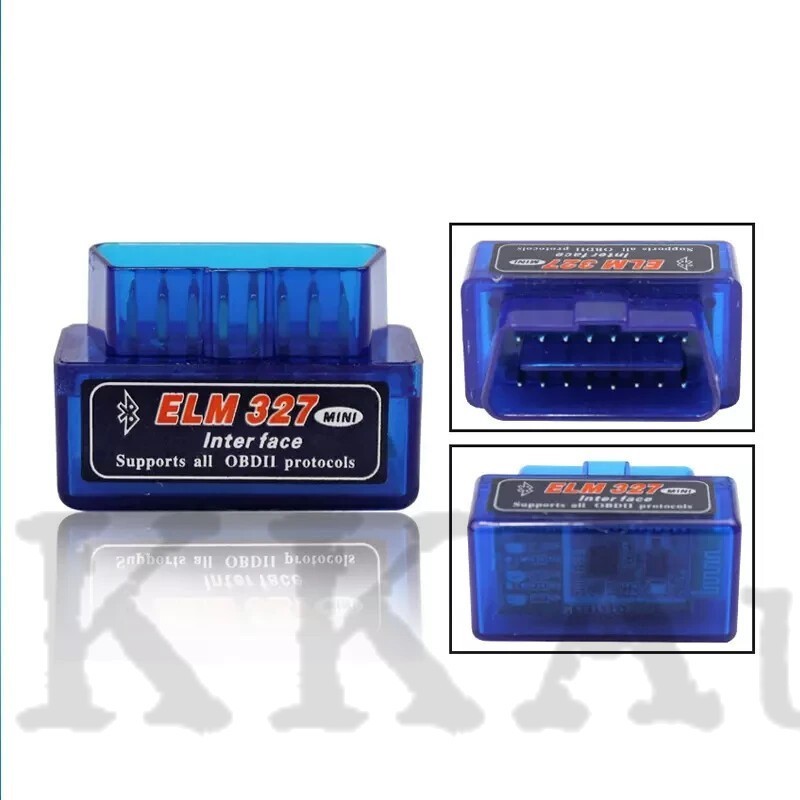
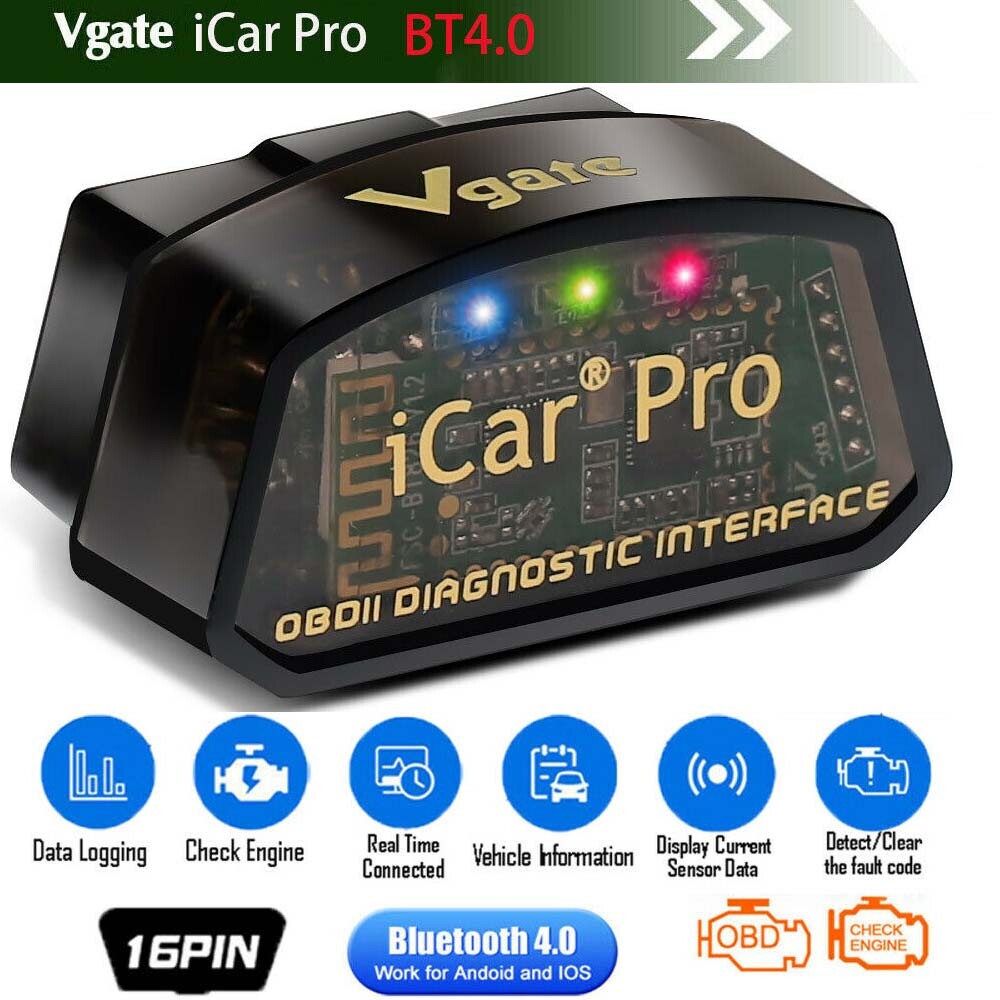
Check the listing for details. OBDⅡ Scanner Vgate iCar Pro 4.0 BIMMERCODE Coding iPad Android Code Reader. Condition: New. Listed at 25.99 USD. Title HOME ABOUT US FAQ SHIPPING POLICIES RETURNS PAYMENT --> OBDⅡ Scanner Vgate iCar Pro 4.0 BIMMERCODE Coding iPad Android Code Reader PRODUCT DESCRIPTION Kindly Note: This item located in United States and only shipped to United States, If you need to return the item for some reasons, please contact us via eBay message firstly to get the RMA#,and return address instead of sending iit back directly without permission,thank you! OBDⅡ Scanner Vgate iCar Pro 4.0 BIMMERCODE Coding iPad Android Code Reader Vgate iCar Pro Bluetooth-compatible 4.0 OBDII Scanner for Android & iOS Features:● CLEAR CHECK ENGINE LIGHT - This iCar Pro code reader will help you save money and accurately diagnose check engine light problem. Very easy to use.● EASY FITMENT - The majority of cars made in the past 2 decades are fitted with an OBD2 diagnostic port, simply find the port and plug the iCar Pro in.● FIT AND FORGET - It really is possible to fit and forget beacuse its micro size and unique power saving functionality that protects your battery● WORKS WITH HUNDREDS OF APPS - The Vgate iCar Pro Bluetooth-compatible Low Energy device works with the most popular OBD apps. Please find download instruction for Android device in product description.● 2 YEAR WARRANTY - We offer a 2 year warranty as standard. If you have any problem with the device simply send it back and we will despatch a brand new replacement the following working day. Functions:Read diagnostic trouble codes, both generic and manufacturer-specific, and display their meaning. (over 3000 generic code definitions in the database).Clear trouble codes and turn off the MIL ("Check Engine" light)Engine RPMCalculated Load ValueCoolant TemperatureFuel System StatusVehicle SpeedShort Term Fuel TrimLong Term Fuel TrimIntake Manifold PressureTiming AdvanceIntake Air TemperatureAir Flow RateAbsolute Throttle PositionOxygen sensor voltages/associated short term fuel trimsFuel System statusFuel Pressure Tips before your purchase: For your vehicle to be OBD II compliant it must have a 16-pin DLC (Data LinkConnector) under the dash and the Vehicle Emission Control InformationLabel must state that the vehicle is OBD II compliant. To be sure your vehicle complies with OBD-II, look for a sticker on the vehicleunder the hood in the engine compartment that clearly states “OBD II compliant or certified”.OBD-II protocols supported: SAE J1850 PWM(41.6 Kbaud)SAE J1850 VPW(10.4 Kbaud)ISO9141-2(5 baud init,10.4 Kbaud)ISO14230-4 KWP(5 baud init,10.4 Kbaud)ISO14230-4 KWP(fast init,10.4 Kbaud)ISO15765-4 CAN(11bit ID,500 Kbaud)ISO15765-4 CAN(29bit ID,500 Kbaud)ISO15765-4 CAN(11bit ID,250 Kbaud)ISO15765-4 CAN(29bit ID,250 Kbaud)SAE J1939 CAN(29bit ID,250* Kbaud)USER1 CAN(11*bit ID,125* Kbaud)USER2 CAN(11*bit ID,50* kbaud) Vehicle Coverage: Works on all OBD2 Vehicles (1996 onwards in USA) and EOBD vehicles (Petrolcars from 2001 and diesel cars from 2003/2004 in Europe)How to setup Bluetooth-compatible pairing:BLE4.0 Dual mode version For Android users:Home screenGo to setting pageSelect V-LINK Default password is “1234”Device pairedRun Torque appGo to Torque app OBD II adapter settingChoose connecion type>Bluetooth-compatibleChoose Bluetooth-compatible device>V-LINKExit Torque app completelyRun Torque appConnected For iOS users:Home screenGo to setting pageClick on Bluetooth-compatible function(Device name is invisible)Run Accurate appGo to Accurate app setting pageSelect Bluetooth-compatible and connectExit Accurate app and run againConnectedSpecification: Supply Voltage: 11.5V—15VSupply Current:
You may also like