| Restocking Fee | No |
|---|---|
| Return shipping will be paid by | Seller |
| All returns accepted | Returns Accepted |
| Item must be returned within | 30 Days |
| Refund will be given as | Money Back |
| Brand | Unbranded |
| Type | Remote Cable |
| Model | 754242346-036 |
| UPC | 754242346036 |
| MPN | 754242346-036 |
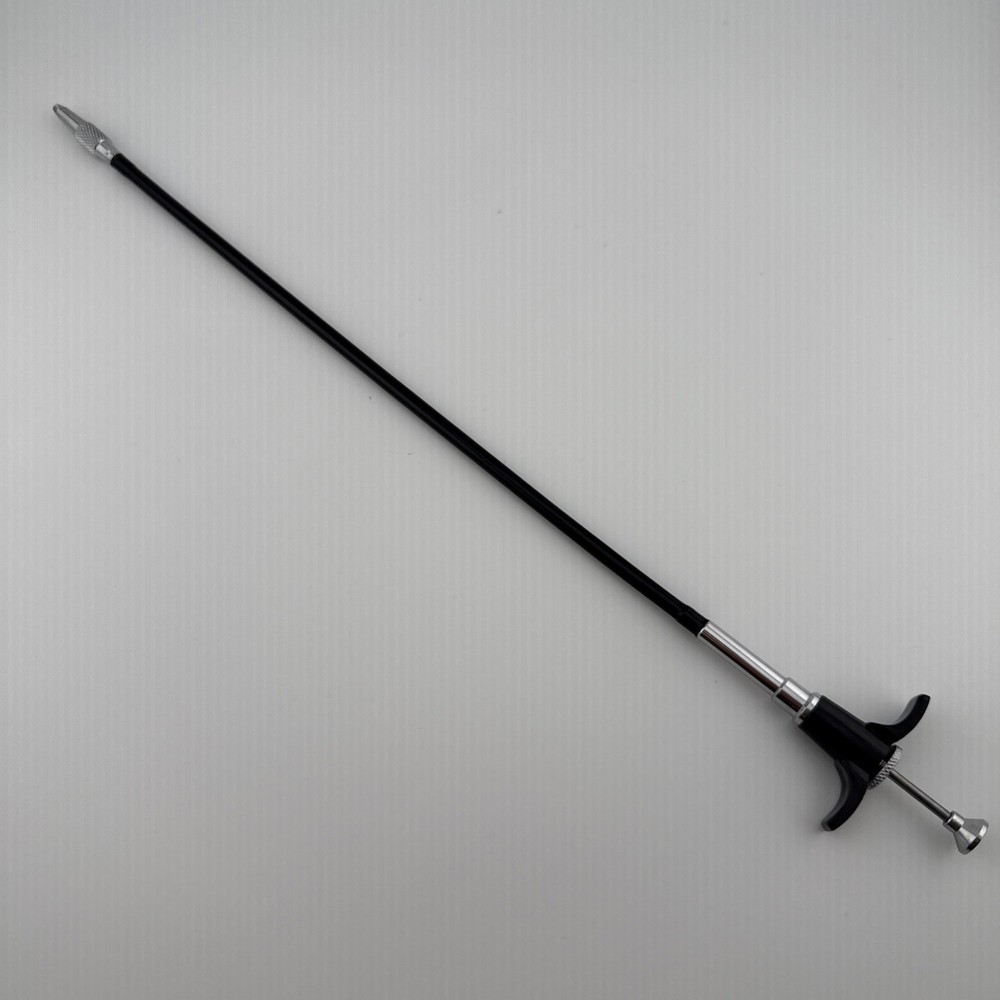
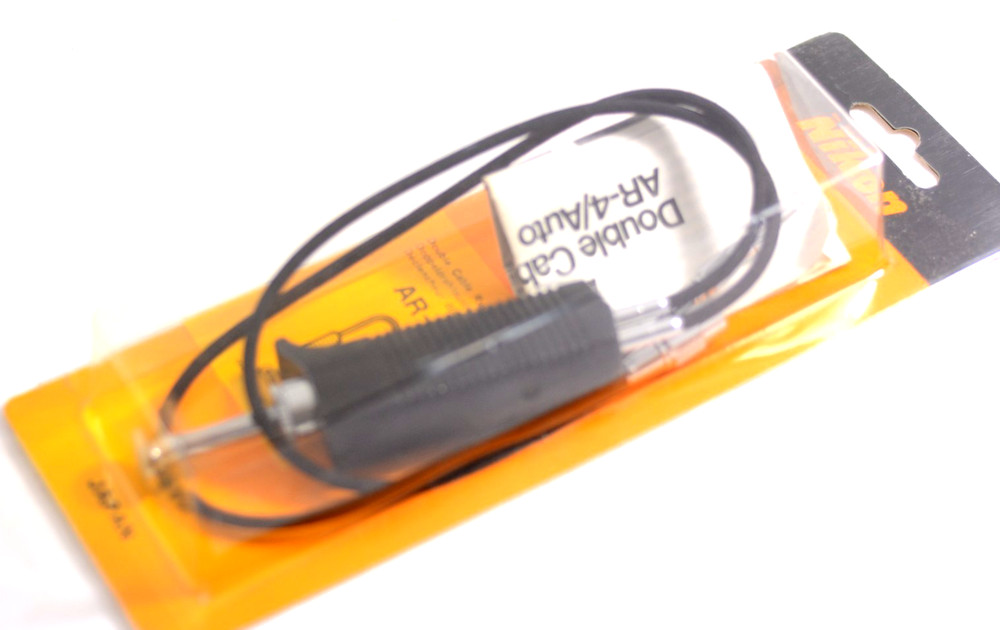
Check the listing for details. Remote Shutter Release for Olympus E-M5 Mark II, E-M10 Mark II, E-M10; PEN PEN-F. Condition: New. Listed at 9.99 USD. Compatible with: Olympus OM-D E-M1, E-M5 Mark II, E-M5, E-M10 Mark II, E-M10; PEN PEN-F, E-PL8, E-PL7, E-PL6, E-PL5, E-PL3, E-PL2, E-P5, E-P3, EP-1, EP-2, E-PM2, E-PM1, E30, E100, E400, E410, E420, E450, E510, E520, E550, E600, E620, 510UZ, 550UZ, 560UZ, 565UZ, 570UZ, 590UZ, 810UZ, XZ-1, XZ-2, Stylus 1, 1s, SP-100EE, SH-60, SH-50, SH-1, SH-2, SZ-31MR, SZ-30MR, SZ-20, SZ-14, SZ-11, SZ-10, SH-21, SH-25. (NOTE: NOT FIT Olympus OM-D E-M1X, E-M1 Mark II, E‑M1 Mark III,E-M5 Mark III, E-M10 Mark III, E-M10 Mark IV). 1. Half-press shutter release button, start the auto zoom/ metering system of the camera, so the photographed object was focused. Then, completely press the shutter release button to release the shutter of the camera to shoot. 2. Lock the shutter (camera set to continuous shooting or BULB). Press the shutter release button and move forward, to lock the camera to carry out continuous shooting or long exposure. 3. To unlock, press the shutter release button and push back, release the shutter button to return to the original position.
You may also like