| Return shipping will be paid by | Buyer |
|---|---|
| All returns accepted | Returns Accepted |
| Item must be returned within | 30 Days |
| Refund will be given as | Money Back |
| Platform | Linux |
| License Category | open source |
| Minimum RAM | 2 GB |
| Custom Bundle | No |
| For Operating Systems | Linux |
| California Prop 65 Warning | No Problems |
| Operating Systems | Linux Tails |
| Brand | Tails |
| Type | Live USB |
| Format | USB |
| Language | English |
| Minimum Hard Drive Space | Live USB |
| Model | Tails Live |
| Minimum Processor Speed | 2 GHz |
| Number of Devices | Unlimited |
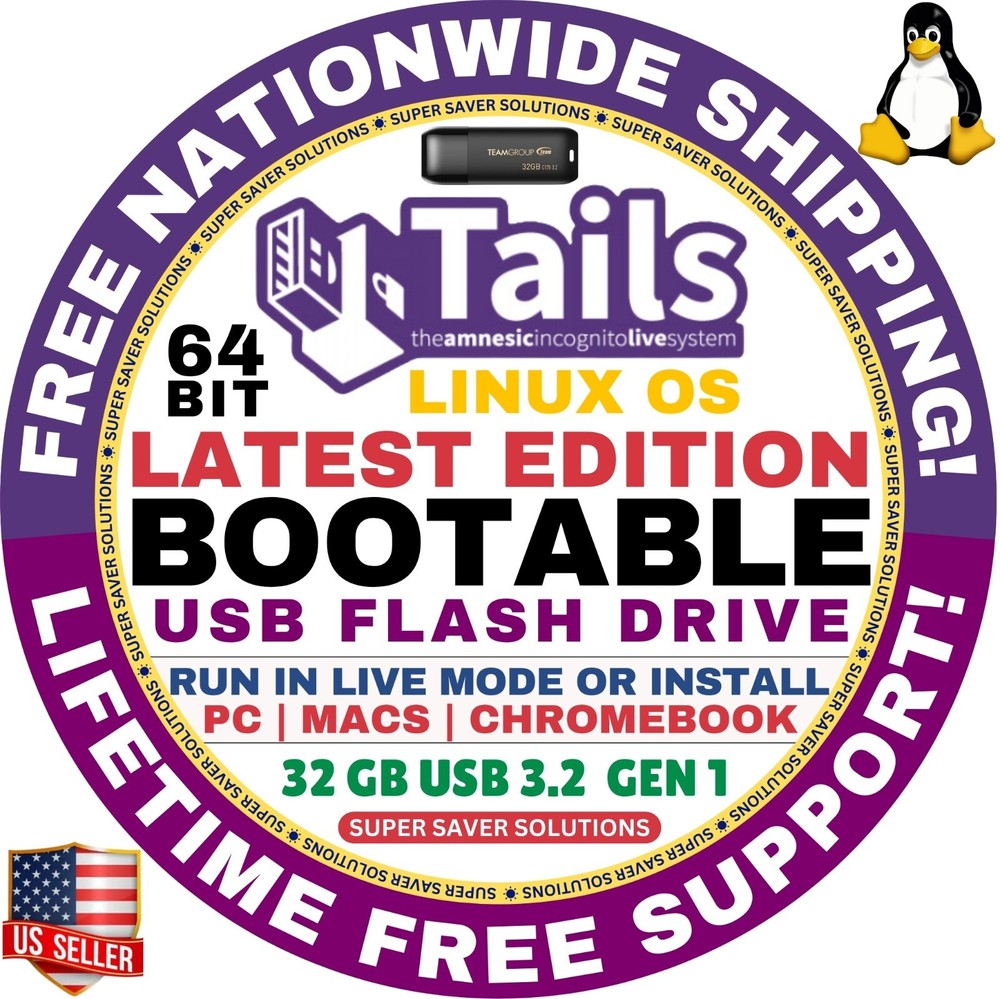
Check the listing for details. TAILS LINUX OS 6.10 Live Boot, 32GB USB Flash Drive 64-Bit, Mac, PC, Chromebook. Condition: Brand New. Listed at 9.99 USD. ⭐️ TAILS OS LINUX 6.10 Bootable USB Flash Drive - 64 Bit ✅ Specially Configured to Work on Apple Macs, Windows PC, Linux Devices & Google Chromebooks ❌ Does not work on Apple Silicon Chips like M1, M2⭐️ Why should you use Tails OS?You can temporarily turn your own computer into a secure machine. You can also stay safe while using the computer of somebody else. Simply boot from this USB drive and everything you do will be hidden from public eye. Safely browse the internet, use online banking from public WIFI networks while keeping your browsing history private on shared family computers. You can start again on the other operating system after simply shut down Tails.⭐️ What else Tails OS Offers?Booting from this special USB gives you not only anonymous access to the web but also ability to send receive emails, file sharing, and all the standard features you would expect in an operating system including:Open, edit and save Microsoft Office application like Word, Excel & Powerpoint.View/play/edit photo, audio, and video files.Manage your crypto assets with the built-in crypto wallet.Scan and print to select devices.Access local and network files.Manage your passwords.And much more!⭐️ How to Boot from LINUX USB? ✅ Steps for Windows PC & Chromebooks Follow these easy steps:Turn-off your computerInsert the USB into any available USB portSwitch on your computerPress the key that allows your computer to boot to an alternate device (ESC on many HPs, F12 on many Dells, F8 on many custom builds, yours may vary, see your computer's documentation)At the Book-up screen, select Boot from USB Interface option, press enter. TAILS OS would automatically initiate.Select your language etcSelect Start Linux OS.That's it! Enjoy!✅ Step for Apple Macs Devices Follow these easy steps: Turn-off your computerInsert the USB into any available USB portSwitch on your computerPress the Option key on your keyboard to go the boot menuSelect EFI BookTAILS OS would automatically initiate.Select your language etcSelect Start Linux OS.That's it! Enjoy!⭐️ Check Your Device Compatibility 🔗 https://tails.net/doc/about/requirements/index.en.html ⭐️ Need more information? The user's manual is right there on the desktop! When you are done simply shut the computer off (upper right of the desktop) and all your browsing data etc is gone. There is nothing for anyone to see even if you lose the USB drive. Every time you boot to the USB drive everything is like brand new.How does it work?Normally when you visit a site on the internet that server knows your IP address and can track you. Tor routes your internet traffic through three other random computers before it arrives at the destination server. This means that not only does the server you are visiting not know your real IP address, since the route your traffic takes is random, it can not track you either.In addition, if someone at the coffee shop is intercepting your traffic, they don't know where you are going and can not read any data they may intercept because it is encrypted.The last step is that nothing you do is saved to the USB drive so when you are finished all traces of where you went and what you did are gone. This ensures maximum privacy.⭐️ Learning Curve!While easy to use, this is Linux based and may require some learning to useRequires you to be able to boot your computer to a USB device, see your computer manual for detailsThis is Free software and based on Debian GNU/LinuxYou may need to disable secure boot and enable UEFI boot mode.
You may also like