| All returns accepted | ReturnsNotAccepted |
|---|---|
| Brand | Livestream |
| Type | Switcher |
| Model | Surface |
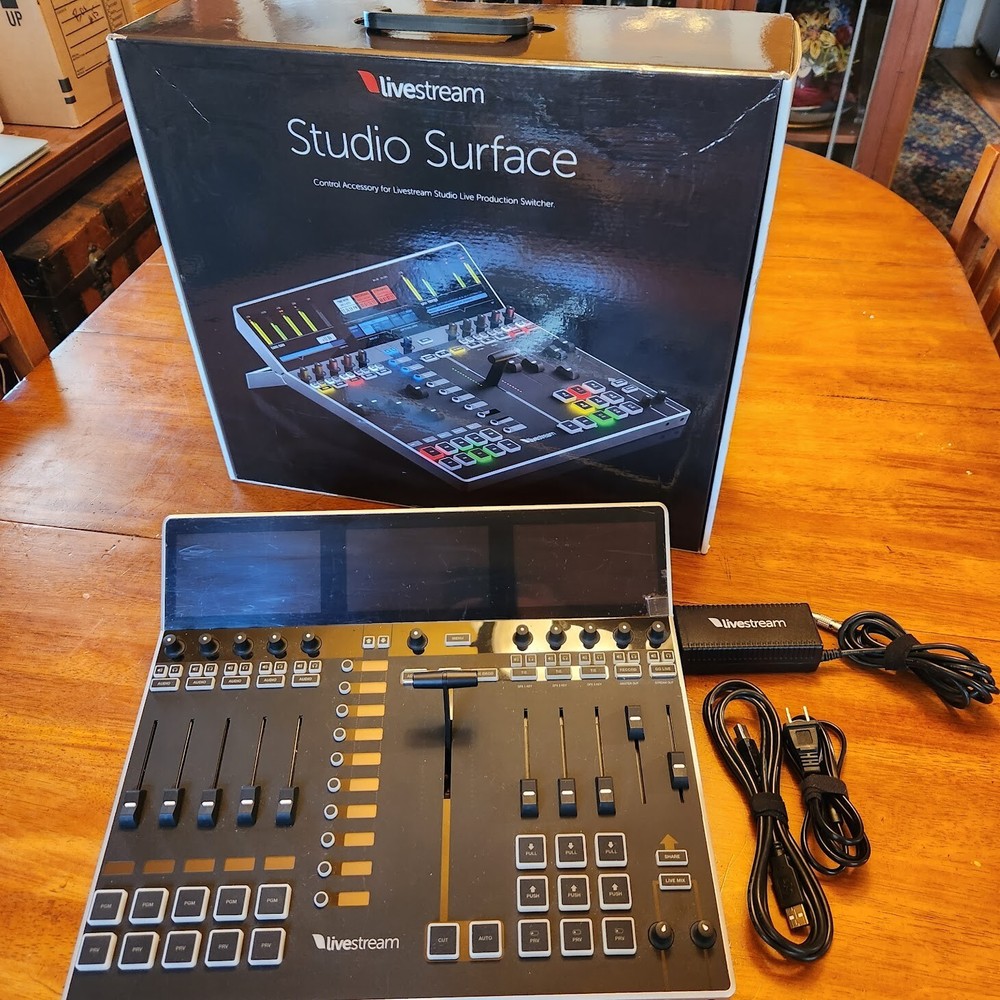
Check the listing for details. Vimeo Livestream Studio USB Dongle & Studio Surface. Condition: Used. Listed at 9798.99 USD. Don't miss this rare opportunity to get your hands on the Livestream Studio Surface & USB Dongle Package, the ultimate control device for your live streaming needs. This package includes a sleek and ergonomic surface with 12 motorized faders and digital label displays, as well as a USB dongle that unlocks the full potential of the Livestream Studio software. Whether you are streaming a concert, a conference, or a game, you will love the ease and flexibility of this package. Hurry up and buy it now before it's gone!If you intend to use Livestream Studio on a Mac the Dongle is not appropriate and I will separate the listing upon request.Control Surface works with MAC OS Monterey and Intel CPU.Unable to test on latest version of MAC Silicon and OS. Use the legacy Livestream Studio USB DongleYou should first download and install the Studio software onto your PC with Windows OS. By plugging this dongle into a USB 2.0 port, you'll be able to access all of Livestream Studio's production features.The dongle must be connected to your PC at all times while using Livestream Studio in order to use the software. If you have multiple computers that require full access to Livestream Studio simultaneously, then you will need one dongle per system. Additional Notes about Using the DongleThe Studio Dongle is not compatible with macOS systems; you must use it with a Windows computer.The Studio Dongle does not include the ability to stream to the Livestream or Vimeo platforms. If you wish to use Vimeo as a streaming destination, you will need to upgrade to an Advanced or Enterprise plan.Livestream Studio hardware units (HD31, HD51, HD550, etc.) do not require an additional software dongle. The license will already be unlocked when you launch Livestream Studio on those systems.We urge you to keep your Studio dongle in a safe place. If you are building a custom computer to run Studio, consider building it so that the dongle is on the inside of the unit.We do not support plugging the USB dongle into the USB 3.0 port due to inconsistent results. If you have done this and were able to load Studio successfully, please let us know by contacting us and providing your system's hardware specifications.
You may also like